

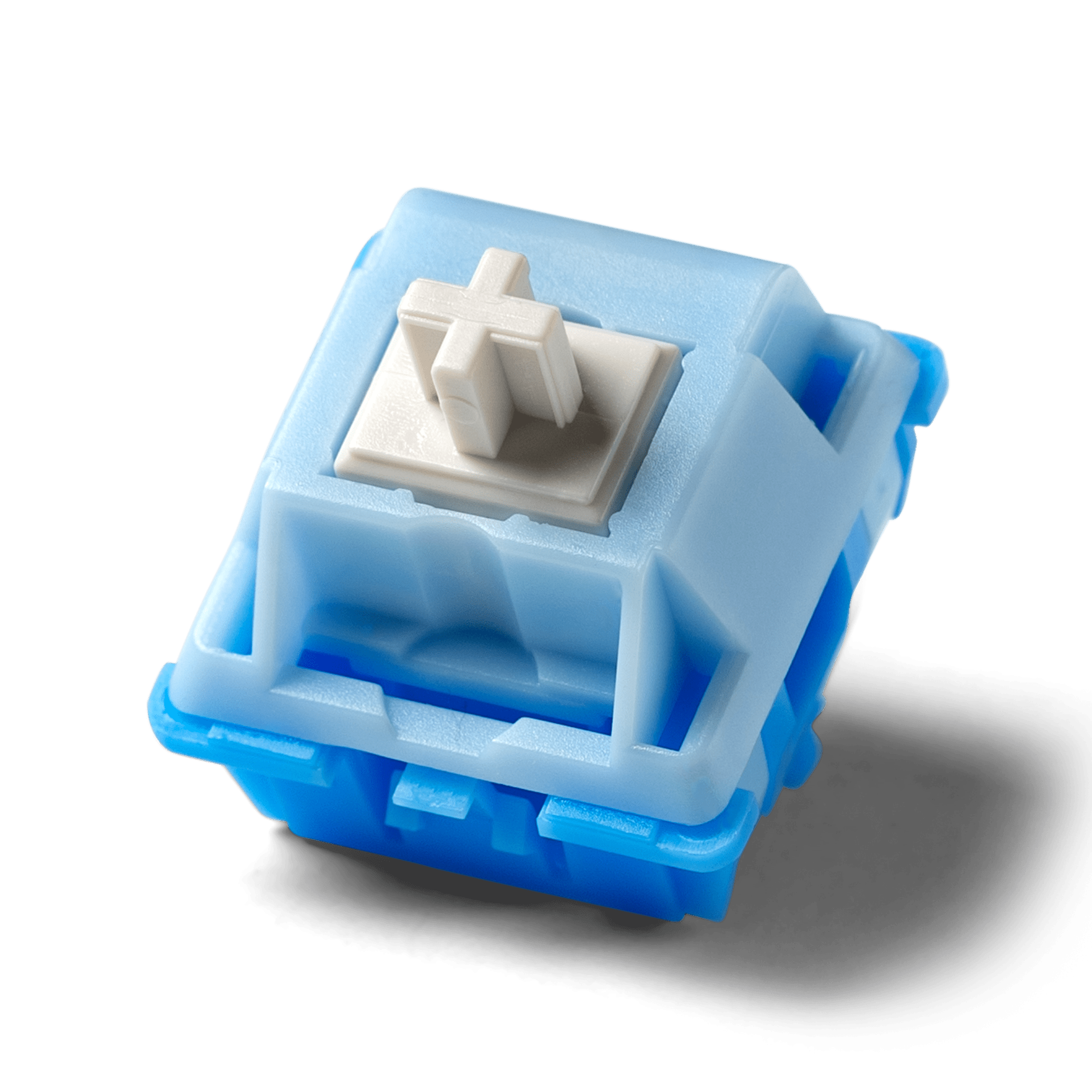
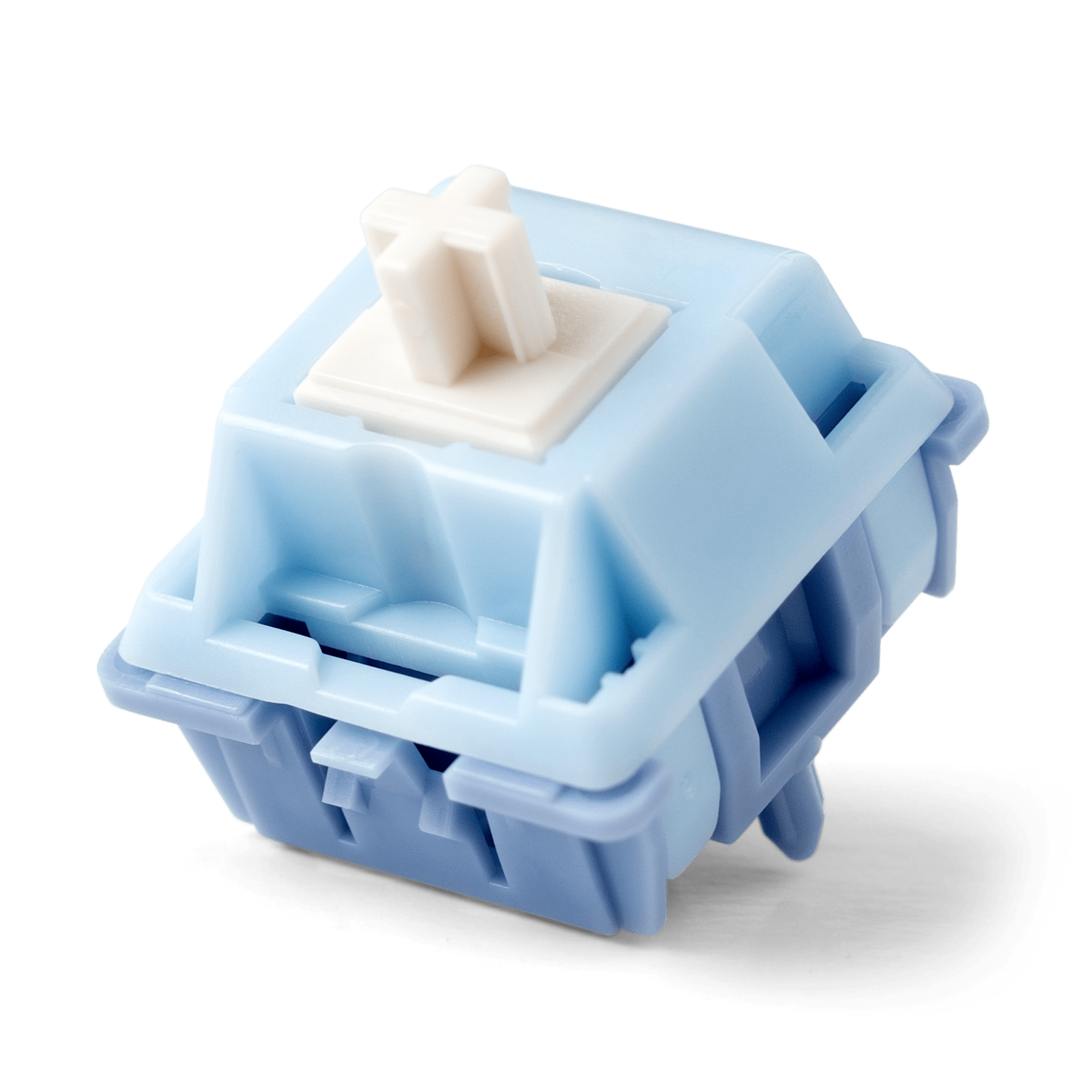
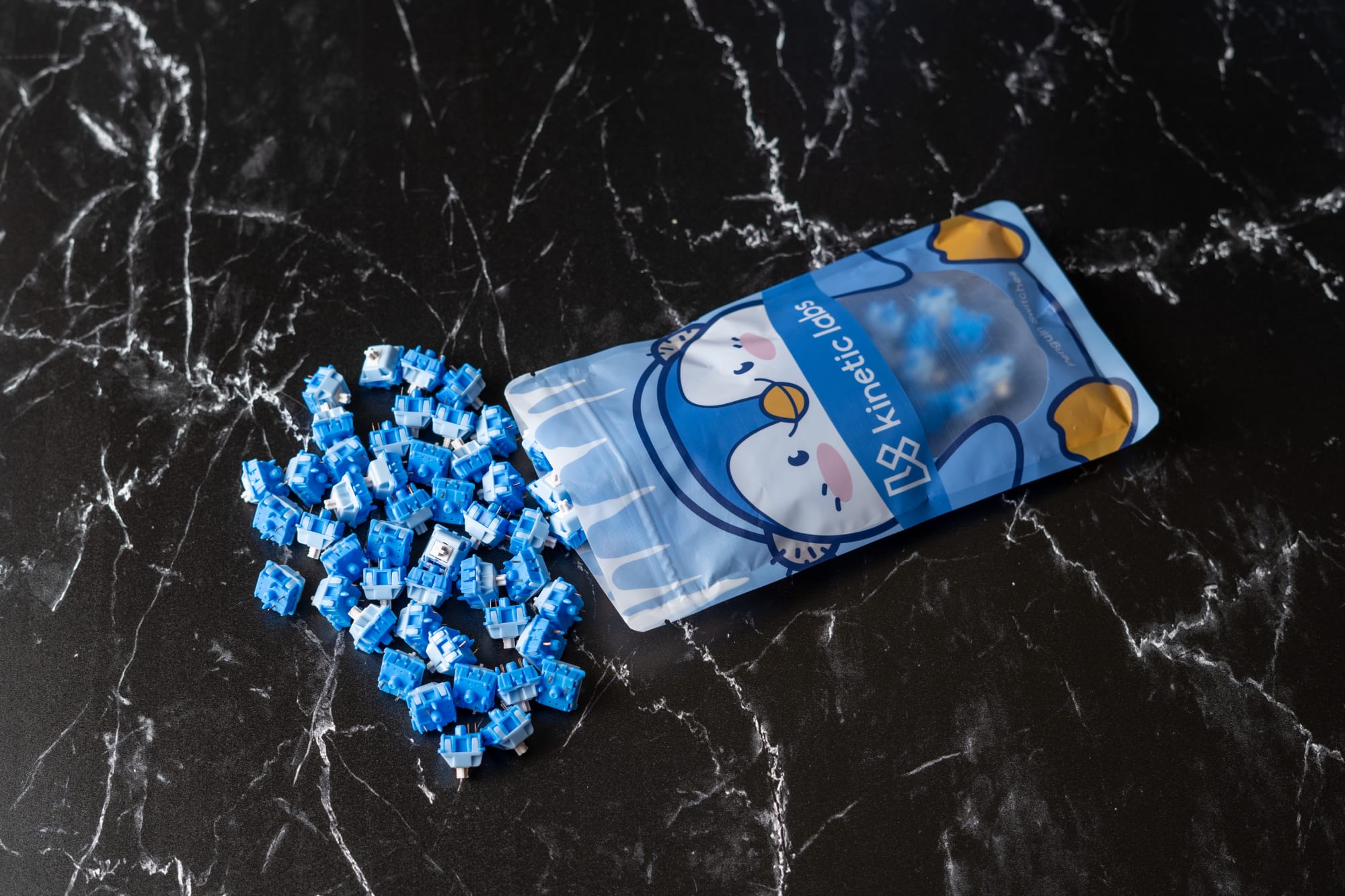
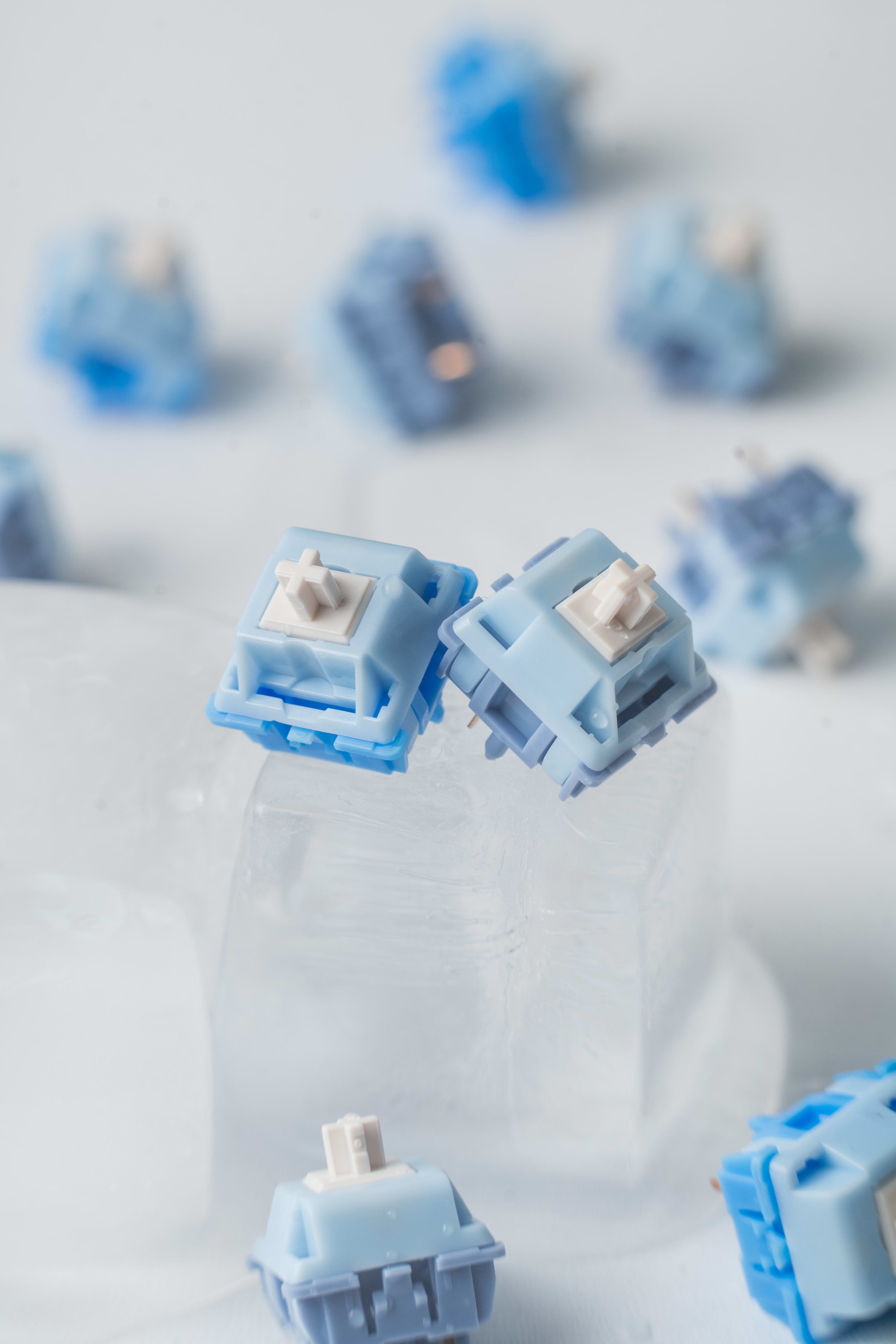
Kinetic Labs Penguin Tactile Switch V2
Kinetic Labs
Switch Overview
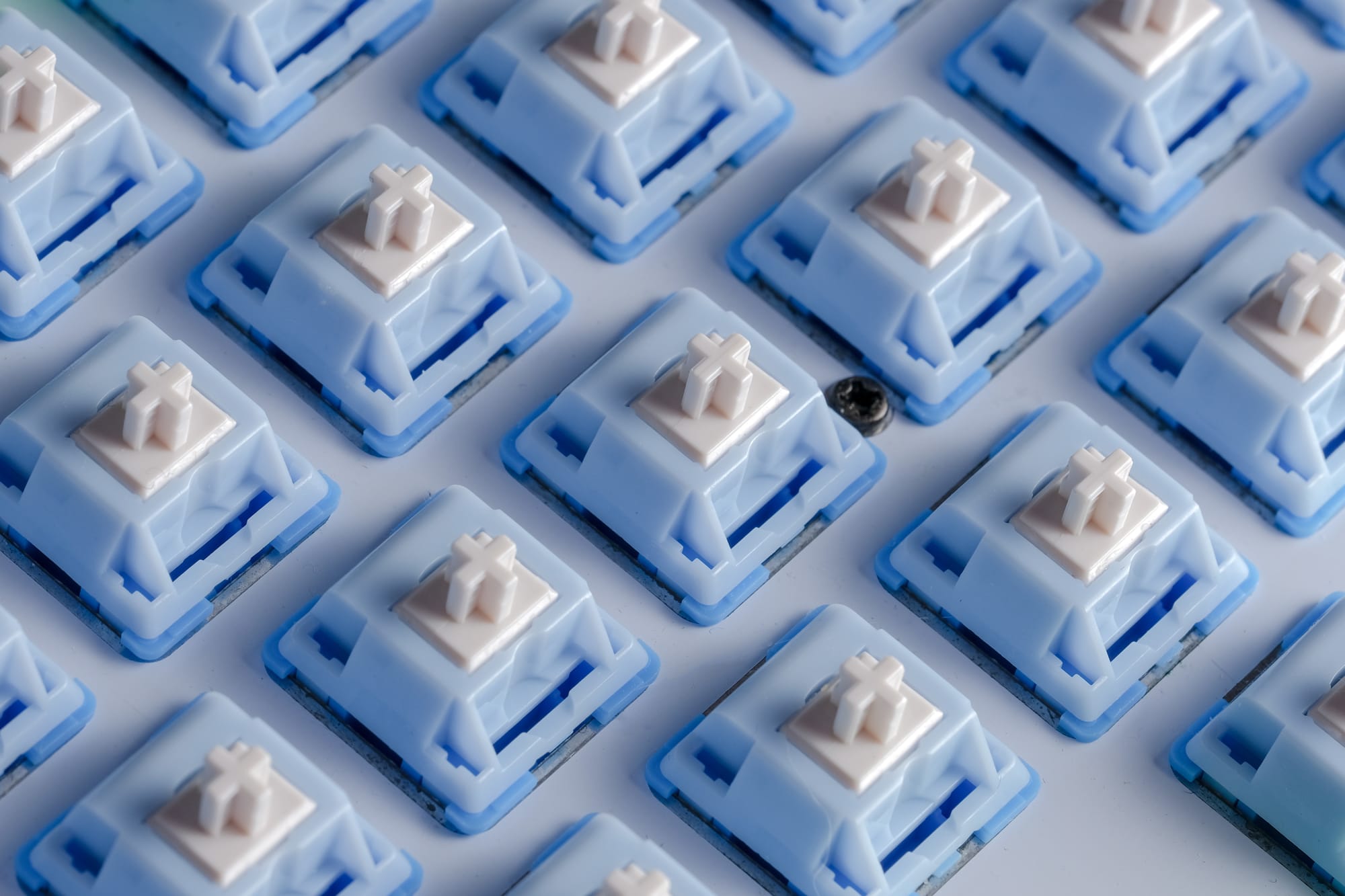
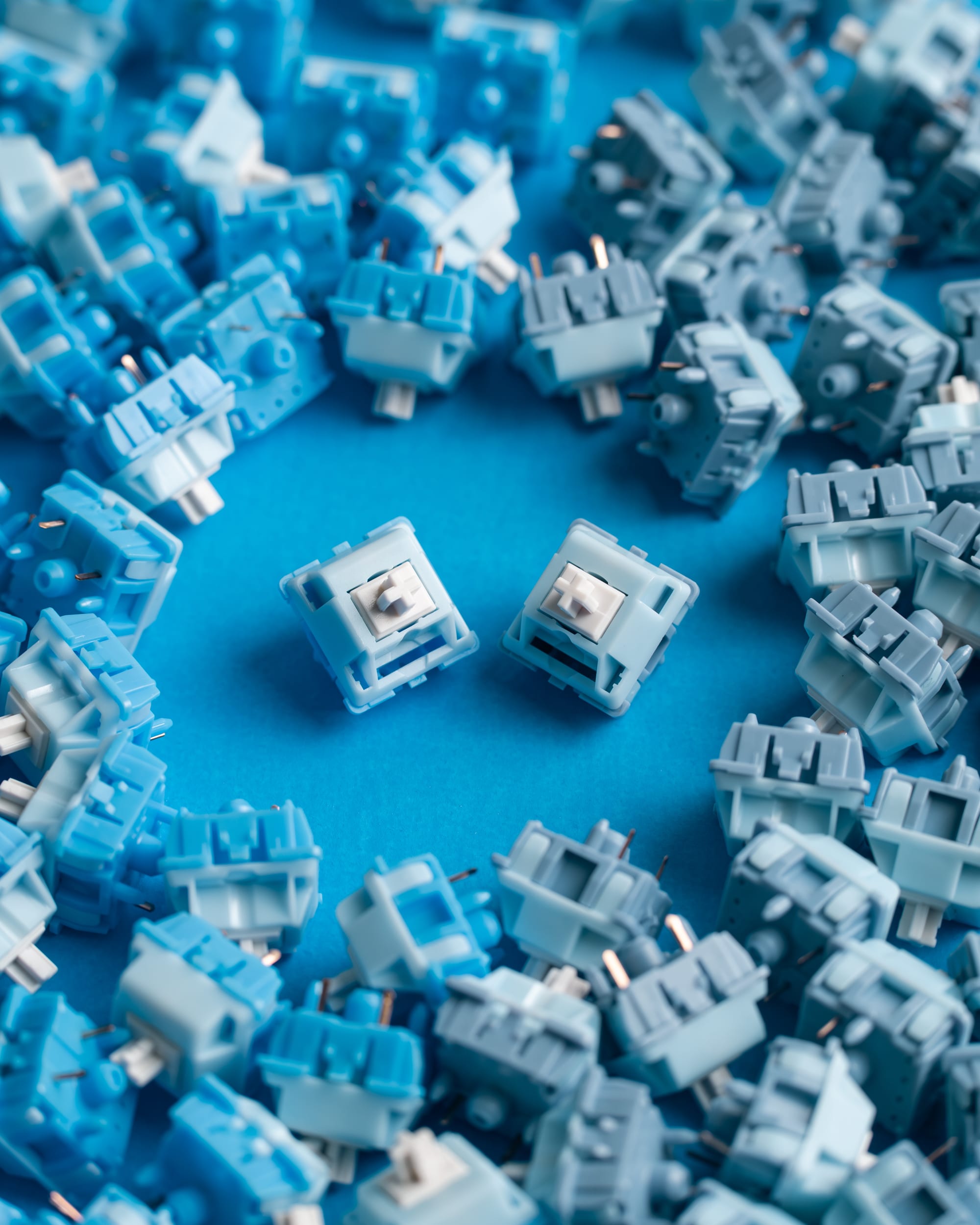
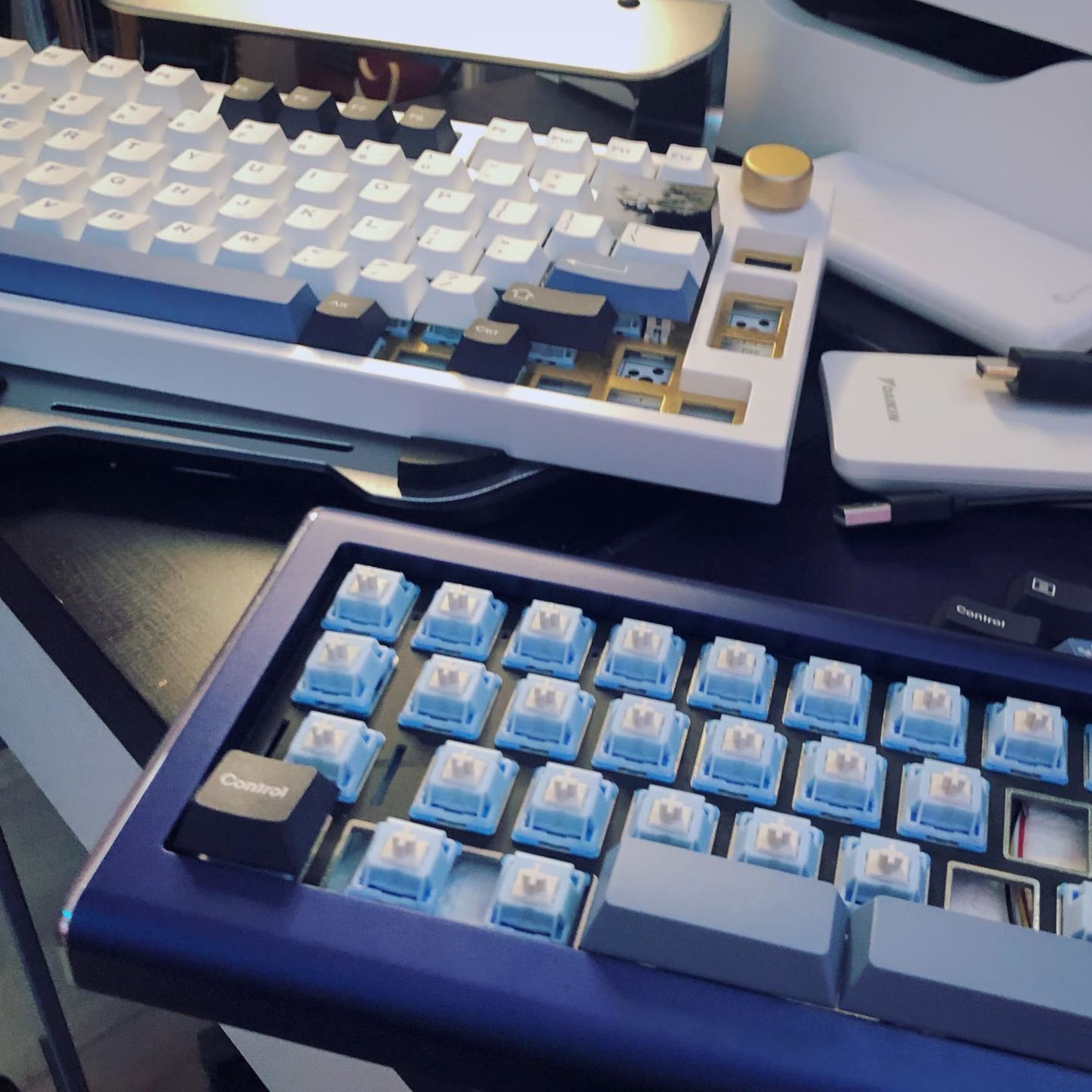
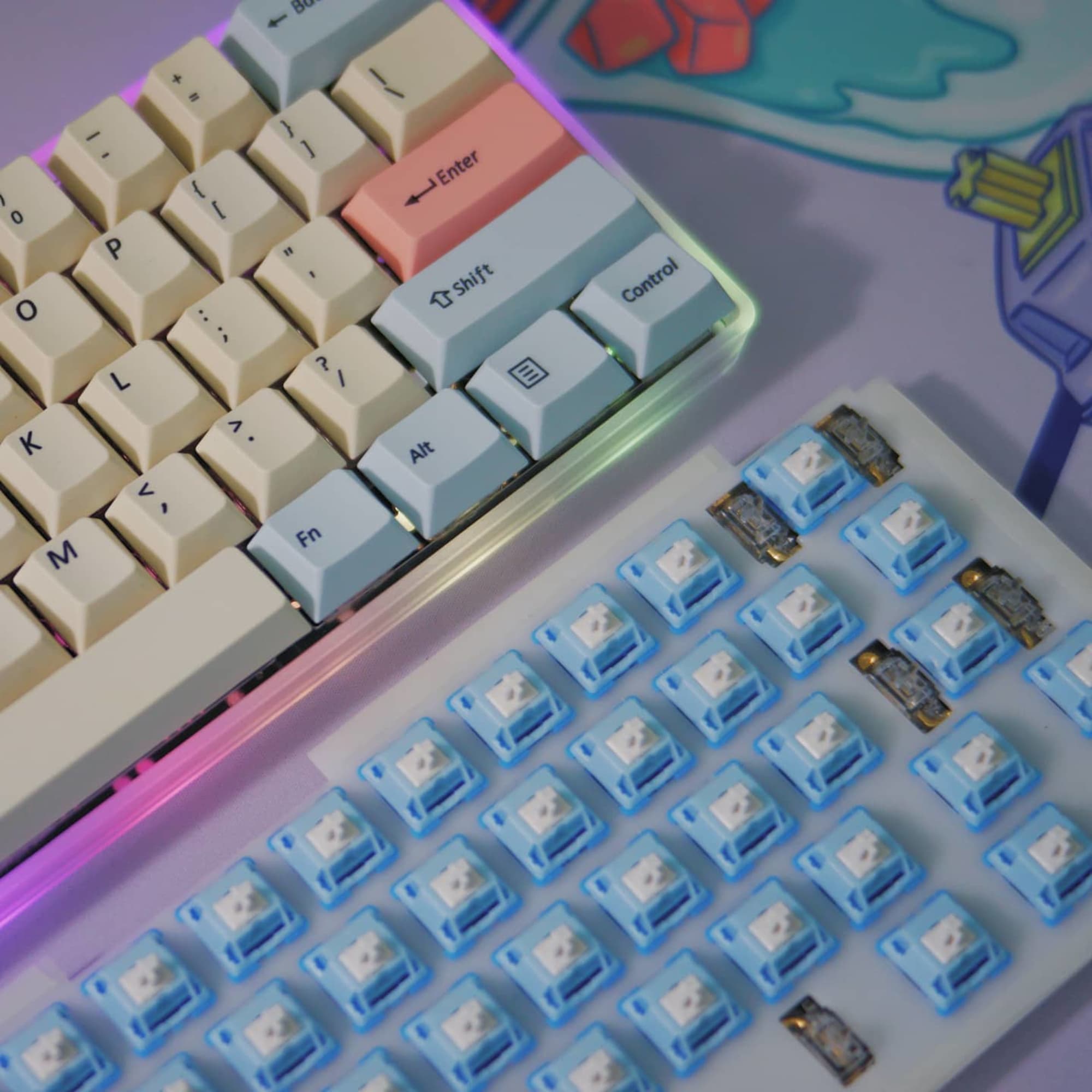
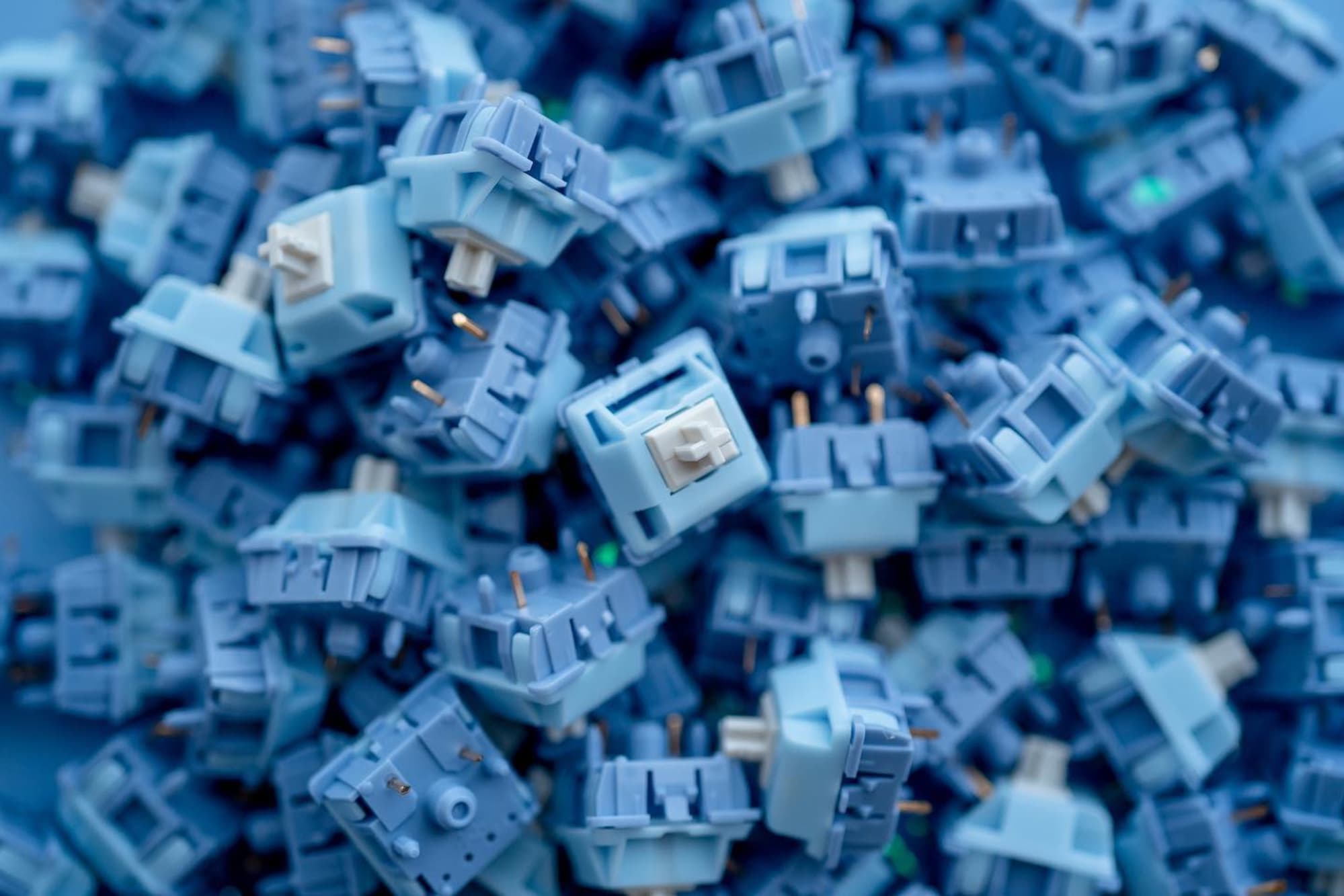
Ergonomic Tactility Featuring a short stem pole and long 63.5g spring, penguins have a soft bottom out that will keep you typing comfortably for hours. Unique Materials POM stem and PC-UHMWPE mixed housings produce a unique sound signature when typing. Lubed & Unlubed Choose the right option for you: if you prefer lubing your own switches, go with the unlubed option. The history of ergonomic switches stems from "ergo clear" switches, which were Cherry MX Clear switches that were spring swapped to have a lighter spring. The result was ultimately a short-stem switch that had a soft bottom-out with a comfortable spring. A soft bottom-out means that your fingers won't hurt as much as they would when using a switch with a long stem pole (such as a Holy Panda) because the bottom-out of the switch is not as sudden and abrupt. Penguin switches have a shorter stem pole and a long spring, meaning the force and distance required to completely bottom-out the switch is greater when compared to other switches. The sound test below was built using the TG67 V2 mechanical keyboard, penguin tactile switches (lubed), and PolyCaps Whale PBT keycaps: